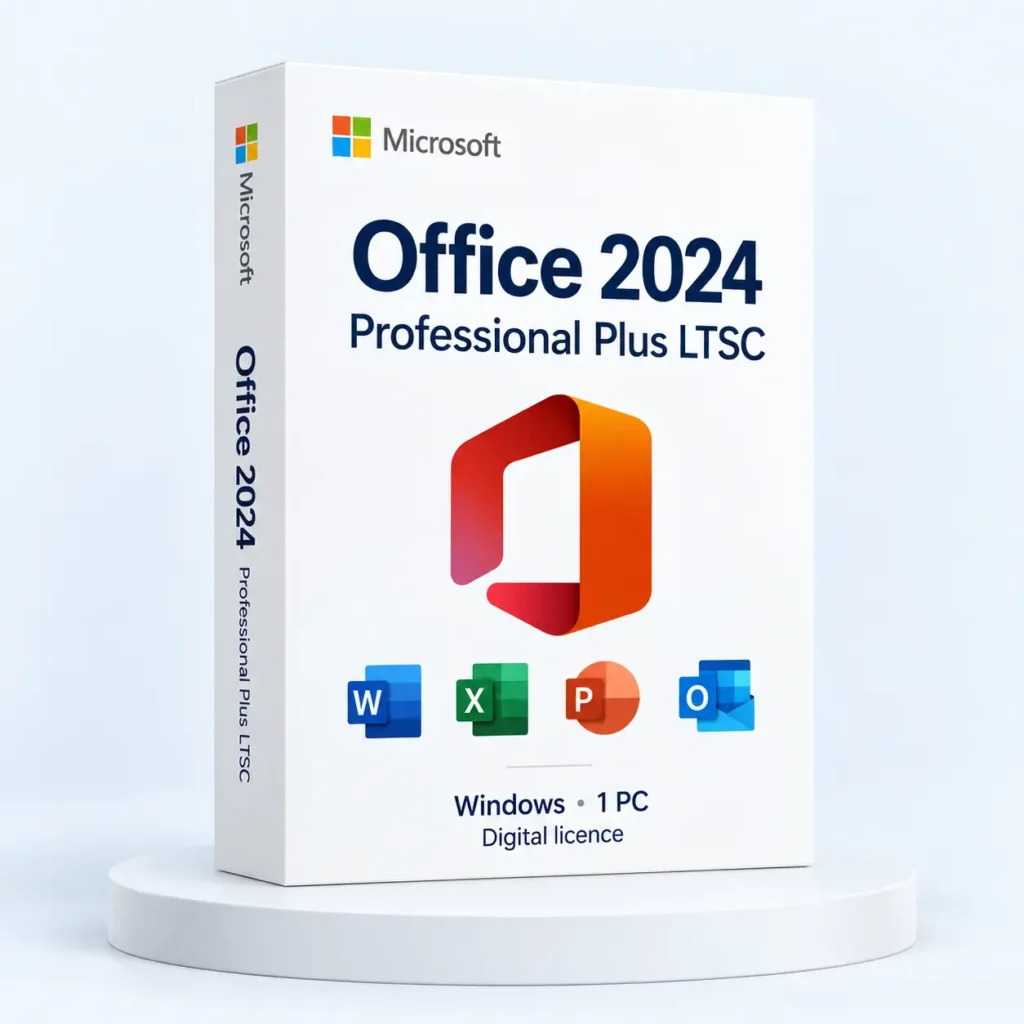
The useful comparison is between the workflows you need, not simply between payment schedules. When evaluating Office LTSC 2024, separate desktop application requirements from cloud services and ongoing feature changes.
Start with the work
List the applications used each week, the devices involved and the way files move between colleagues. A person producing local reports may have different requirements from a team relying on shared cloud workspaces and frequently changing services.
Microsoft positions LTSC for scenarios that need a stable feature set. Its documentation explains that LTSC does not receive the ongoing new-feature additions associated with Microsoft 365 Apps. A fixed feature set does not mean that security updates or support lifecycles can be ignored.
Compare the actual entitlements
- Write down the desktop applications you require.
- Identify any cloud storage, hosted services or collaboration features you rely on.
- Check which devices and users the offered licence covers.
- Review the update model and support period for the exact release.
- Confirm how the entitlement is installed, activated and administered.
Use a realistic example
Suppose a team prepares a monthly workbook and sends a PDF report. Test that complete process with its real add-ins and file locations. If the team also coauthors documents in a cloud service, assess that requirement separately instead of assuming every Office-branded offer includes it.
Record the reason for the decision and the next review date. That makes the choice easier to revisit when the team adds a device, changes its collaboration process or approaches the end of a product’s support period.
Publisher reference: Microsoft: overview of Office LTSC 2024.
Use the details on the Office LTSC 2024 listing to compare the offered licence with your requirements.