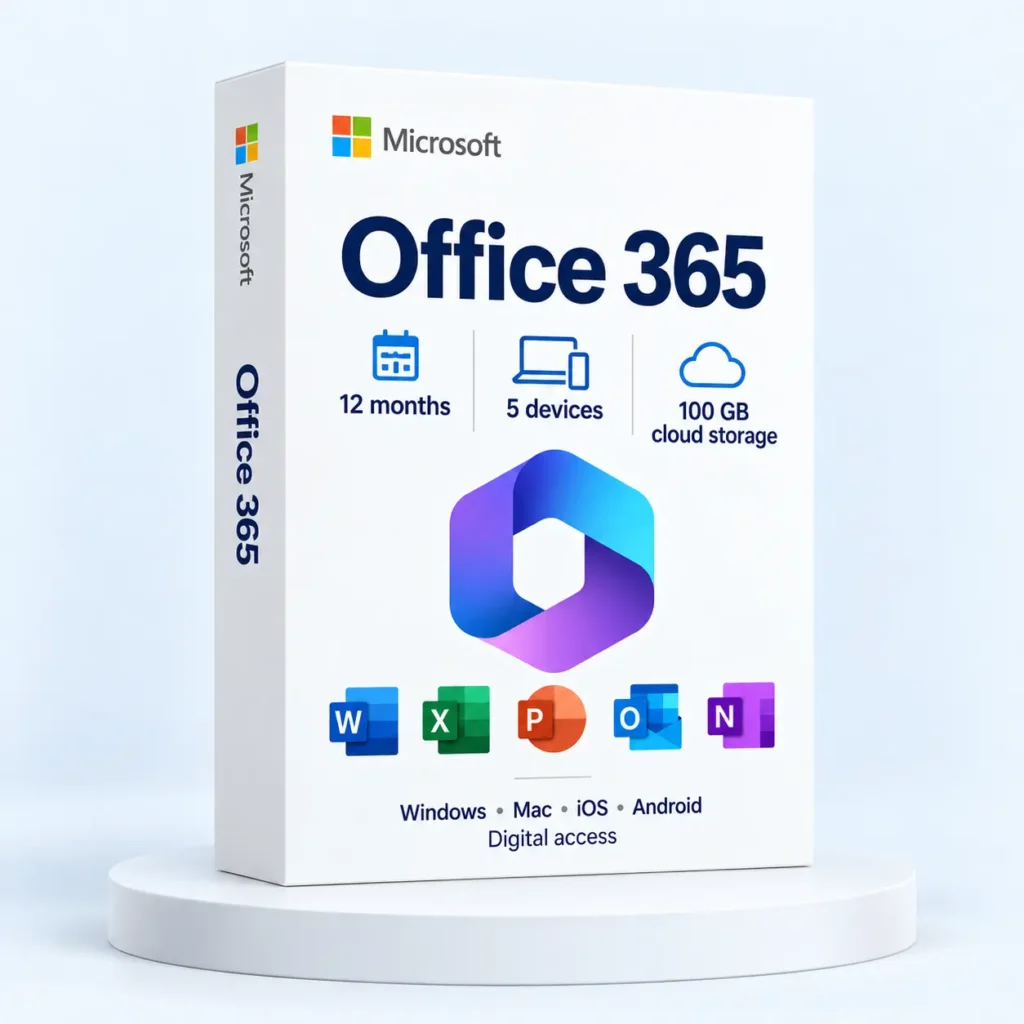
Cloud storage is useful only when the files you need are in the expected account and location. If you are reviewing the Office 365 12-month product, check the listing’s stated storage allowance separately from the settings of the account you use.
Start with a folder plan
Choose which work belongs in shared cloud storage and which files must also be available on a particular computer. Use clear folder names and avoid keeping several folders called “Final” in different places.
Microsoft’s OneDrive guidance explains that folder selection controls what is synced to a Windows or macOS device. Review those choices on each computer rather than assuming a setting on one machine applies everywhere.
Run a small verification
- Confirm the signed-in account before moving important files.
- Create a harmless test document in the intended folder.
- Wait for syncing to complete and check the document from another authorised device or the web interface.
- Confirm that the files needed for travel are genuinely accessible offline.
- Record where the independent backup of important work is kept.
For example, a proposal may be visible in a file list without being ready for an offline presentation. Open the actual document while connected and check the availability settings before leaving, instead of discovering the problem in the meeting room.
Know what your storage includes
Do not infer a cloud allowance from the words “Office” or “Microsoft 365” alone. Different entitlements and accounts can provide different services. Keep the product details, account ownership and renewal date together so access and storage remain understandable when the subscription period ends.
Publisher reference: Microsoft: choose which OneDrive folders to sync.
Read the stated period, device allowance and storage details for the Office 365 12-month listing.